
 English
 Čeština
 Deutsch
 Español
 Polski
 Português
 Türkçe
 Русский
 Українська
 हिन्दी
 中文
What this function does
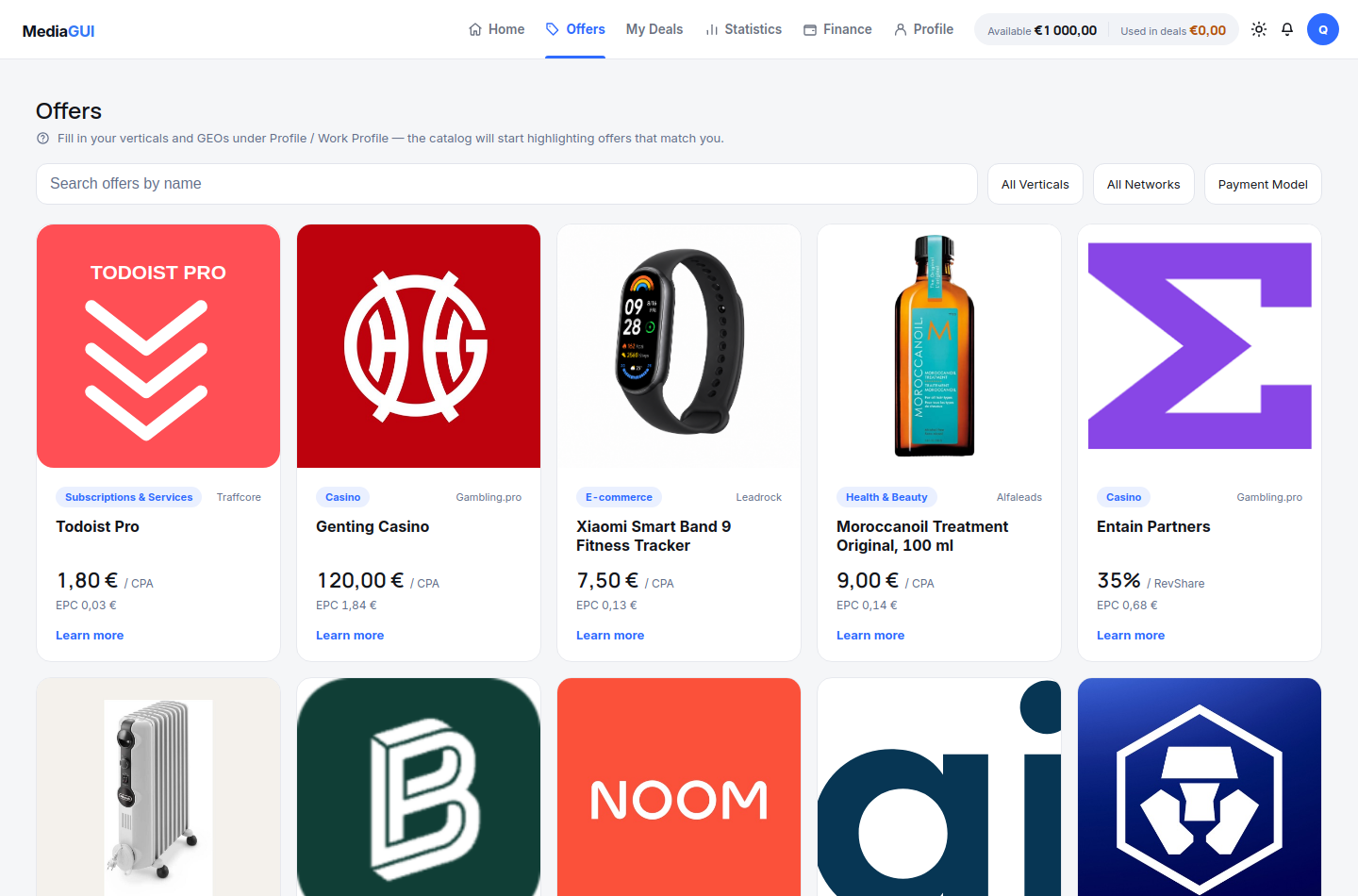
Open Offers and filter by vertical, network and CPA/CPL/RevShare model. Before creating a deal, read the specific action, geography and traffic-source restrictions. A rate alone does not determine profit; compare the terms, not just the card headline.
Before you begin
Access to /offers and an understanding of your intended traffic source, target country and spending limit.
Step by step
- Open /offers and inspect the vertical, network and payment-model filters. Geography is checked in the offer conditions and deal targeting, not through a separate catalogue GEO filter.
- Apply one filter at a time. Check how the result count changes and remove a restrictive filter when no cards remain.
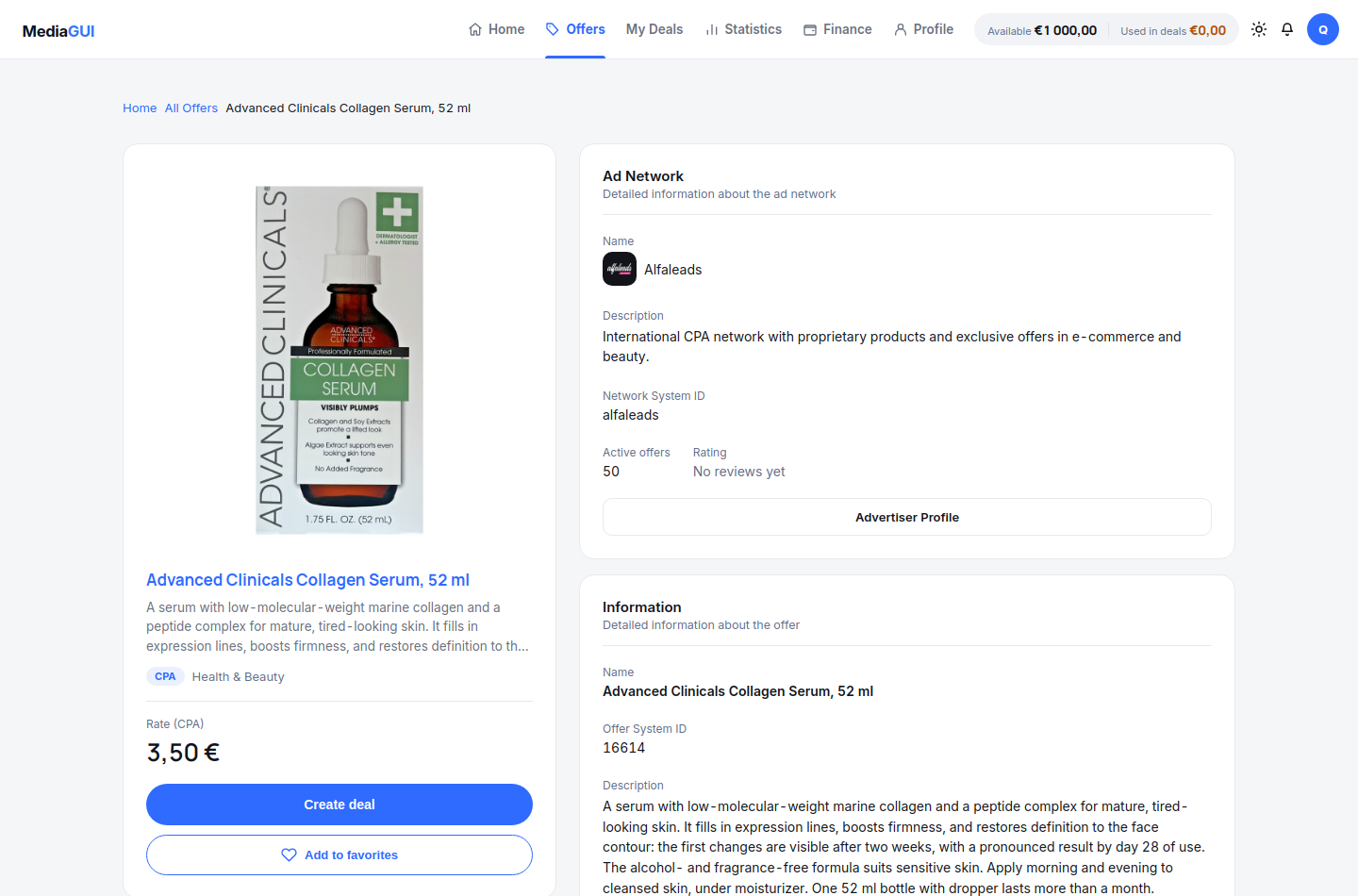
- Open a matching offer card. Read its available description, payment model and conditions; review network-specific restrictions rather than relying only on the payout label.
- Compare the offer with your intended source and budget. Continue to the deal form only after checking the displayed limits and funding requirements.
Example
Choose the CPA model and one network. If no offers remain, remove the network filter and check CPA alone.
The interface in practice
Actual local MediaGUI interface with a test session and demonstration data. This is not a customer account or proof of a production transaction.
Expected result
You can explain why an offer matches your requirements and can reopen its detail page. Filtering or opening a card does not create a deal.
Common problems and solutions
- No matching offers: clear filters and add them back individually. An empty result is different from a loading or network error.
- Conditions are unclear: do not infer allowed traffic or guaranteed returns from the card. Ask the official support contact before committing funds.
Never share passwords, verification codes, wallet details or personal documents in screenshots. Crop unrelated information before contacting support.