
 English
 Čeština
 Deutsch
 Español
 Polski
 Português
 Türkçe
 Русский
 Українська
 हिन्दी
 中文
What this function does
In Account settings review your name, email, language and time zone. Display currency changes how amounts are shown, not the network used for a crypto transfer. After saving, verify the new values remain. A failed save does not apply a change.
Before you begin
A signed-in account. Review the page title and menu before changing any settings.
Step by step
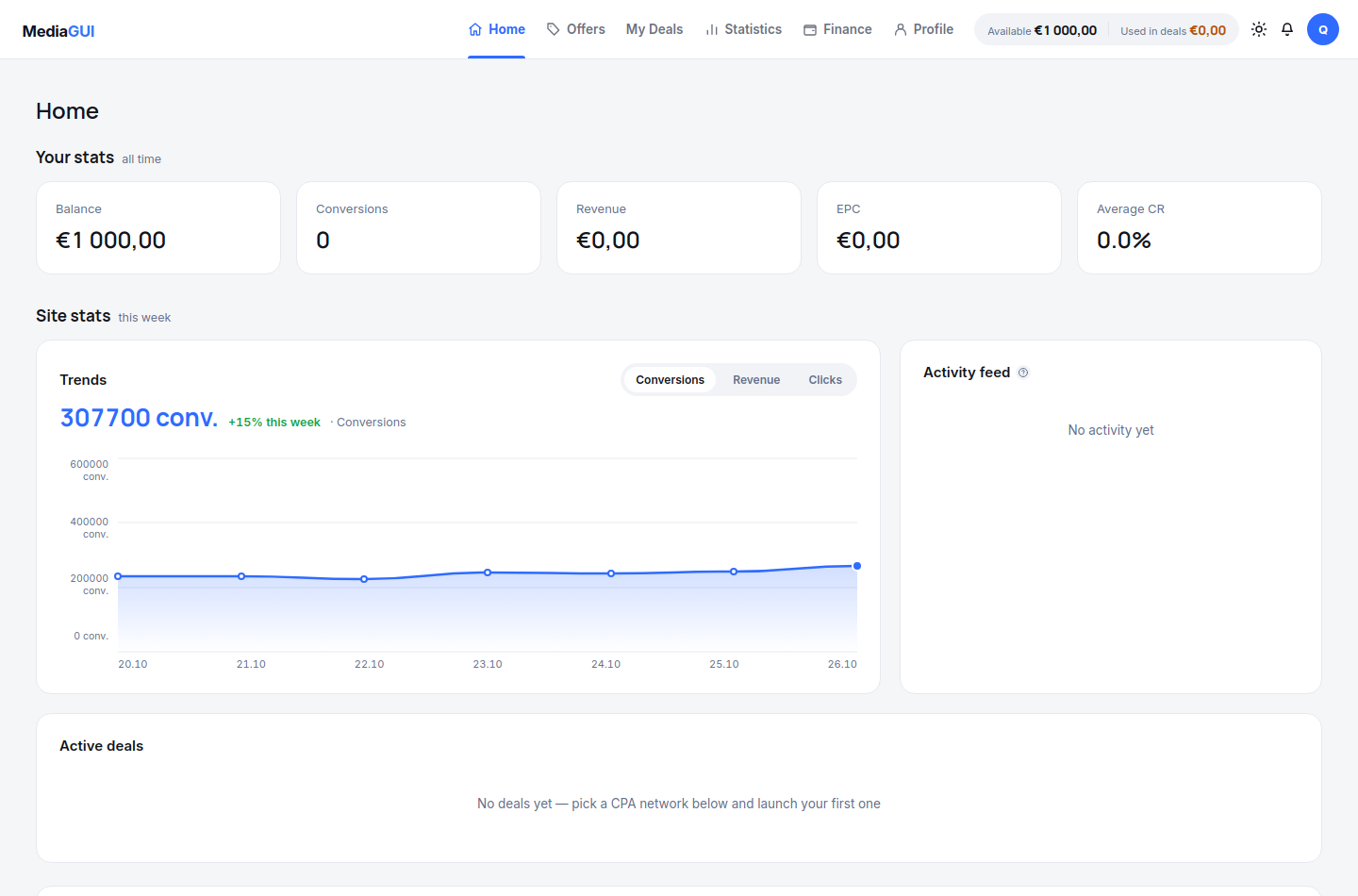
- Open /dashboard and identify the account navigation. The dashboard summarises data; it does not replace individual deal records.
- Open /offers to browse offers and /deals to review your own deals. These pages serve different purposes even when they mention the same offer.
- Open /statistics for period-based analysis and /finance for financial records. Check the heading before interpreting a figure.
- Open /settings to review your profile. Use the interface language control for language changes; browser translation does not change the account preference.
Example
Open the catalogue, return to the dashboard and then open statistics. Each section has its own address, so reloading should keep the chosen section.
The interface in practice
Actual local MediaGUI interface with a test session and demonstration data. This is not a customer account or proof of a production transaction.
Expected result
You can identify the correct section for a task and return to it using its URL without confusing public pages and account data.
Common problems and solutions
- A section returns to sign-in: the account session may have expired. Sign in again rather than pasting a token into the address bar.
- The wrong language appears: check the interface language preference and reload the intended section. Do not interpret a translated browser overlay as a saved preference.
Never share passwords, verification codes, wallet details or personal documents in screenshots. Crop unrelated information before contacting support.